
Windows

Software, websites

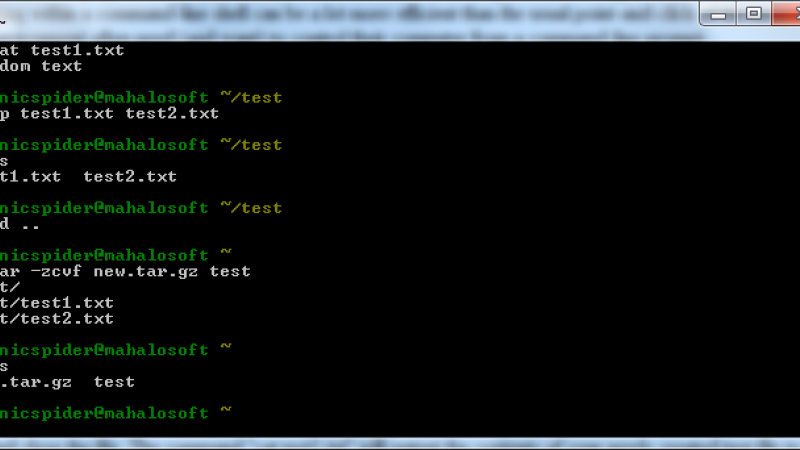
Cygwin: Linux Commands on Windows

Working within Microsoft Windows may not be everyone's cup of tea. Long ago, before windows and scrollbars and maximizing and minimizing, a user could only type commands into a shell to get a computer to do anything.
3 min read

Software, websites

ProcessExplorer: A Better Task Manager

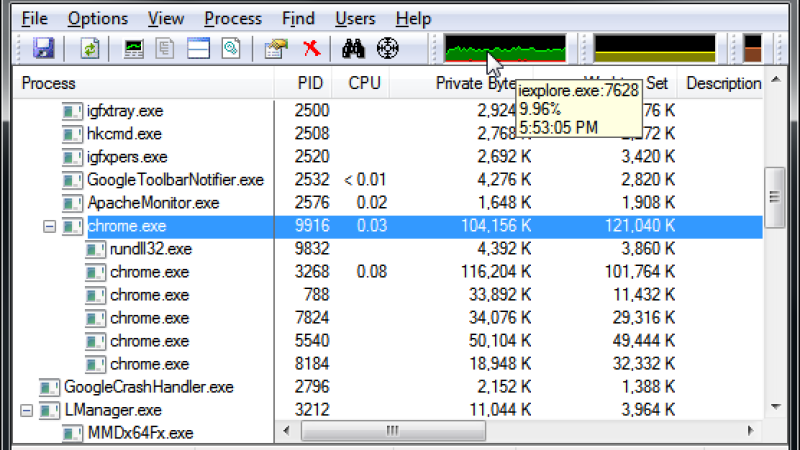
The Windows Task Manager is a useful little utility that gives you a lot of information about your running applications and services. It also allows you to view performance statistics, such as memory and CPU usage.

3 min read

Software, websites

Bionicspider: Window Organizer

The more applications you have running simultaneously, the more you have to juggle them on your desktop; it's cumbersome and time-consuming if you're a user that constantly multi-tasks between windows. It can also become confusing if you have more than five windows open at the same time.

2 min read

Software, websites

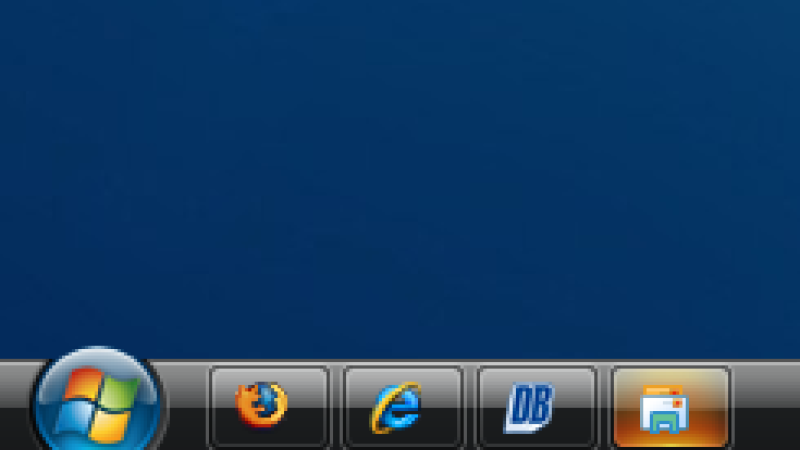
Windows 7 panel in Vista and XP?

Do you like the concept of a new panel in Windows 7, which are on the toolbar buttons with icons instead of labels and large icons only running programs? Just a simple feature you will have on Windows Vista or Windows XP.

3 min read

Software, websites

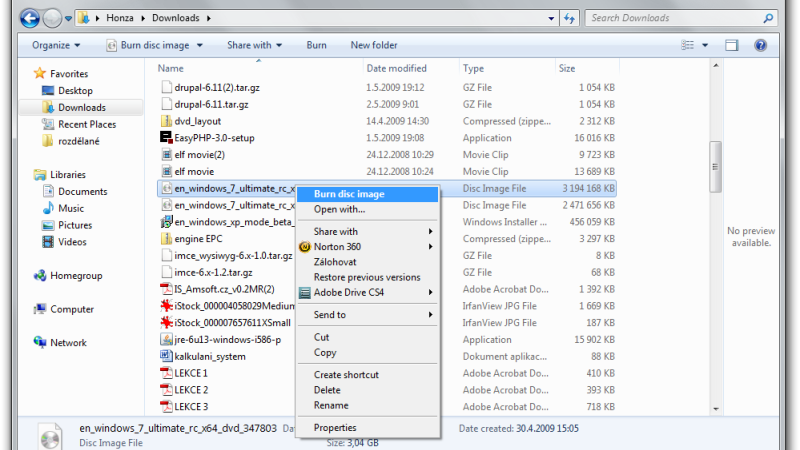
How to burn ISO image in Windows 7?

The new version of Microsoft’s operating system, Windows 7, comes with better built-in functionality for burning the CDs and DVDs. One of its new features is direct burning of the ISO files.

2 min read

Tutorials

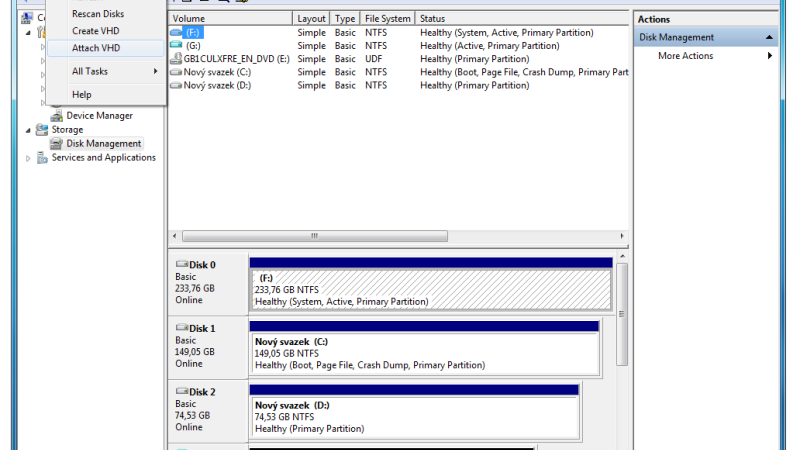
VHD, Virtual Hard Disks in Windows 7

The new operating system from Microsoft offers a number of innovations and one of them is the support of virtual disks created with Virtual PC or tools like Hyper-V. With the VHD virtual disk, you may experience connections with Windows Server 2008. In Windows 7, VHD is used to connect as another disk drive and access them the same way if it was a physical disk.

2 min read

Pages