
Software, websites

Software, websites

Export Formats in Windows Live Movie Maker - What to Choose & How to Do It

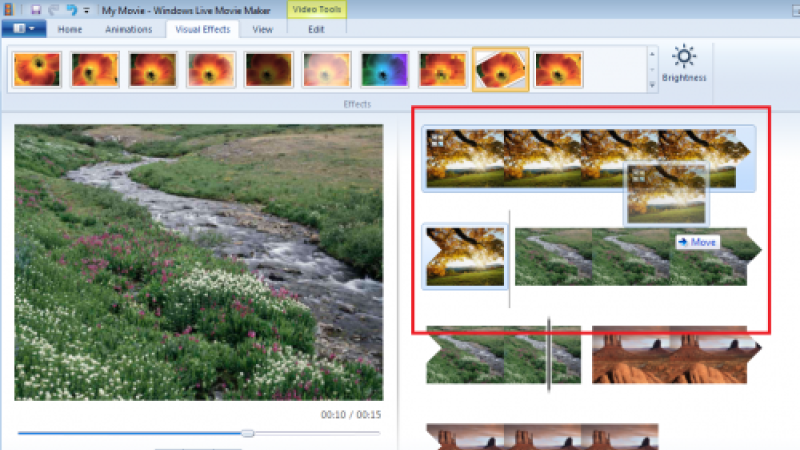
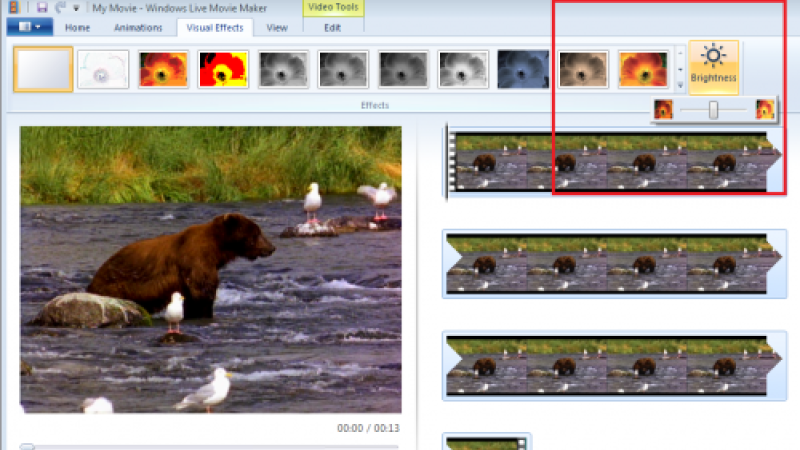
You are done! You have spent hours loading your video onto your computer, editing out the junk, adding good transitions and effects. Your video is now perfect and ready to be shared with family and friends, but wait! How do you go about doing that sharing? You need to export your movie. Here comes the most important question of all: what format should you export to?
3 min read

Software, websites

How to Create a Photo Slideshow with Windows Movie Maker

If you own a digital camera, it is likely that you have a series of pictures on your camera from one single event. For example, a trip to the museum with your child may result in 40 pictures or more! All by themselves, these pictures are good, but wouldn’t you like to make them amazing? You can by creating a video slideshow. Creating a video slideshow is easy with Windows Live Movie Maker; import your pictures and then drop them into the storyboard in the order that you prefer.

3 min read

Software, websites

Windows Live Movie Maker: Transitions versus Effects

If you have a home video that you want to make perfect, you are likely to turn to Windows Live Movie Maker. This video editing program gives you control and freedom; you can do whatever you want with your home movie or video clips. Two main choices that you have are effects and transitions. When compared, which is your best option? Which produces the best results?

4 min read

Software, websites

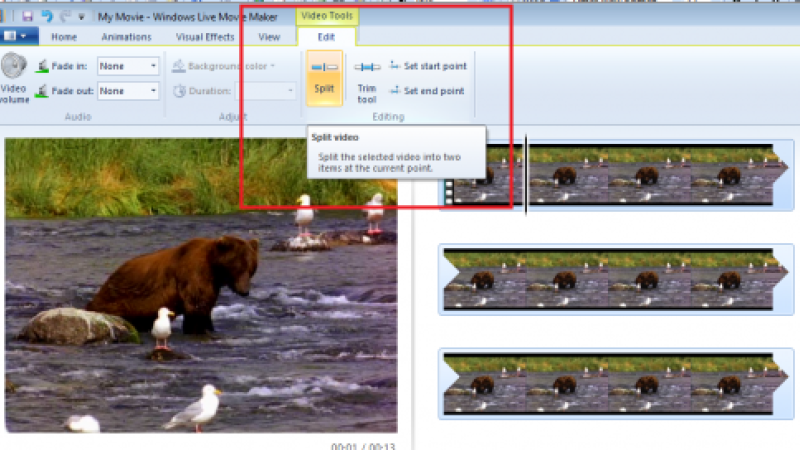
How to Remove Unwanted Movie Parts using Windows Live Movie Maker

As you know, there is some “video junk” that finds its way into all home movies. Wouldn’t it be nice to edit out these not-so-perfect comments or images? Thanks to computer video editing, you can! Whether it be editing out a comment from Aunt Tina when she thought no one was watching or reducing a 45 minute home movie down to 10 minutes, you can do it.

3 min read

Software, websites

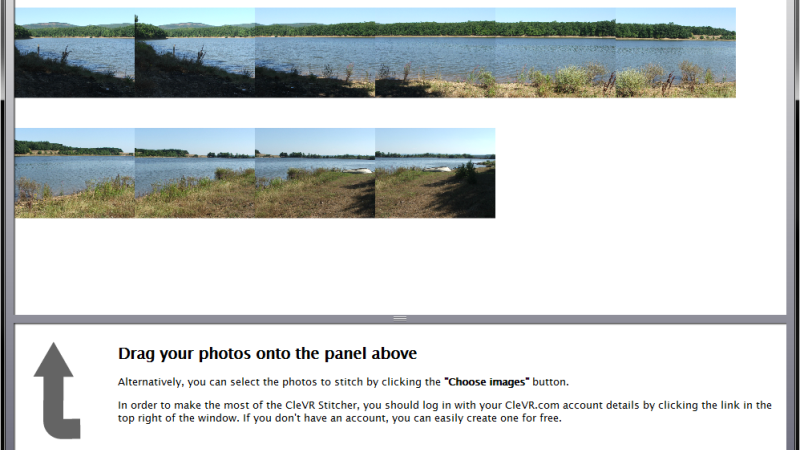
CleVR: join panoramic photographs and share them online

There is an increasing number of tools that you can use to create panoramic photographs. If you are not satisfied with the results given by your photo manager or if your favorite program does not offer such function, try CleVR. It is free and it allows you to use the finished panoramas in your web site using the embed mark.

5 min read

Software, websites

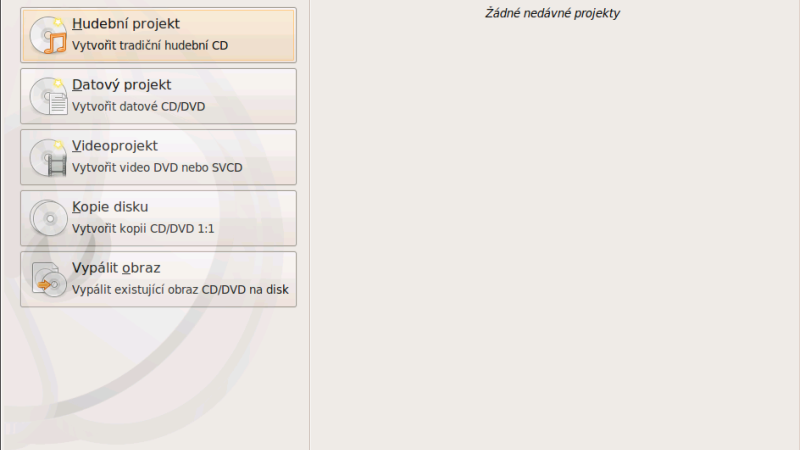
Nero Linux 4: a burning software that is not too fussy

Some years ago when Nero launched the first version of its burning software for Linux, it was a sensation. As it usually is, every program needs to mature. The current fourth version of Nero for Linux is a quality burning program with trouble-free installation and operation.

5 min read

Pages